A real private vault on your wrist
WatchX sends selected photos from your iPhone to a local gallery on Apple Watch, designed to stay private and fast to open.
 WatchX
 Private photos between iPhone and Apple Watch
WatchX lets you choose photos on iPhone, sync them to a local Apple Watch gallery, and protect access with a simple, fast PIN flow that feels fully native.
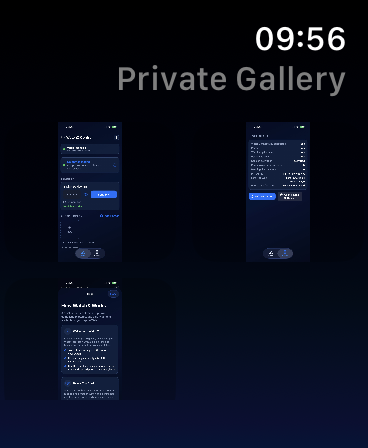
Gallery on Apple Watch
Browsing stays compact, fast, and fully local to the watch.
PIN Screen
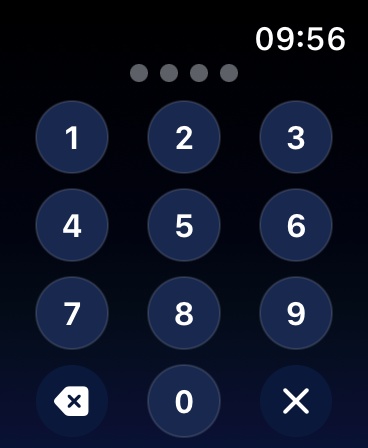
The unlock flow protects access to the gallery before anything can be viewed.
WatchX sends selected photos from your iPhone to a local gallery on Apple Watch, designed to stay private and fast to open.
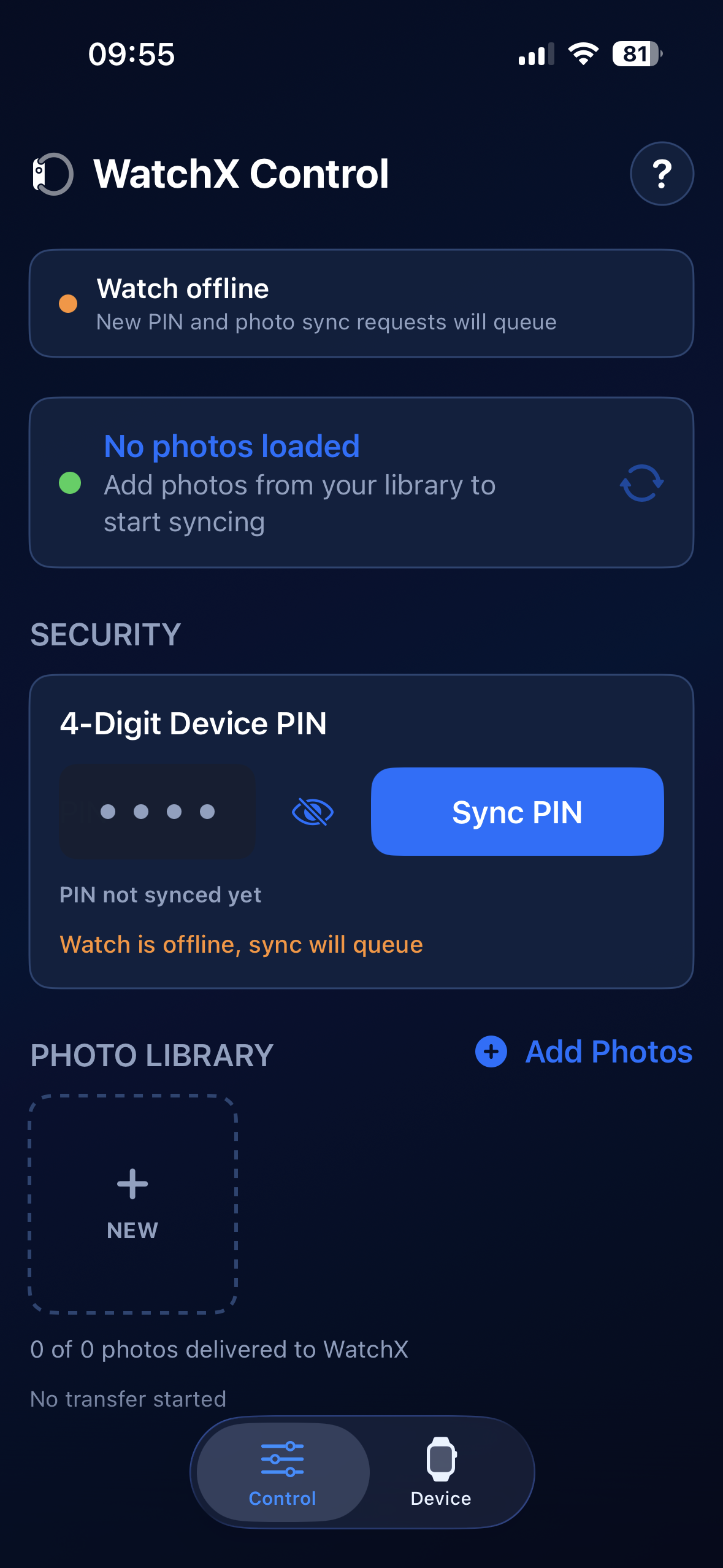
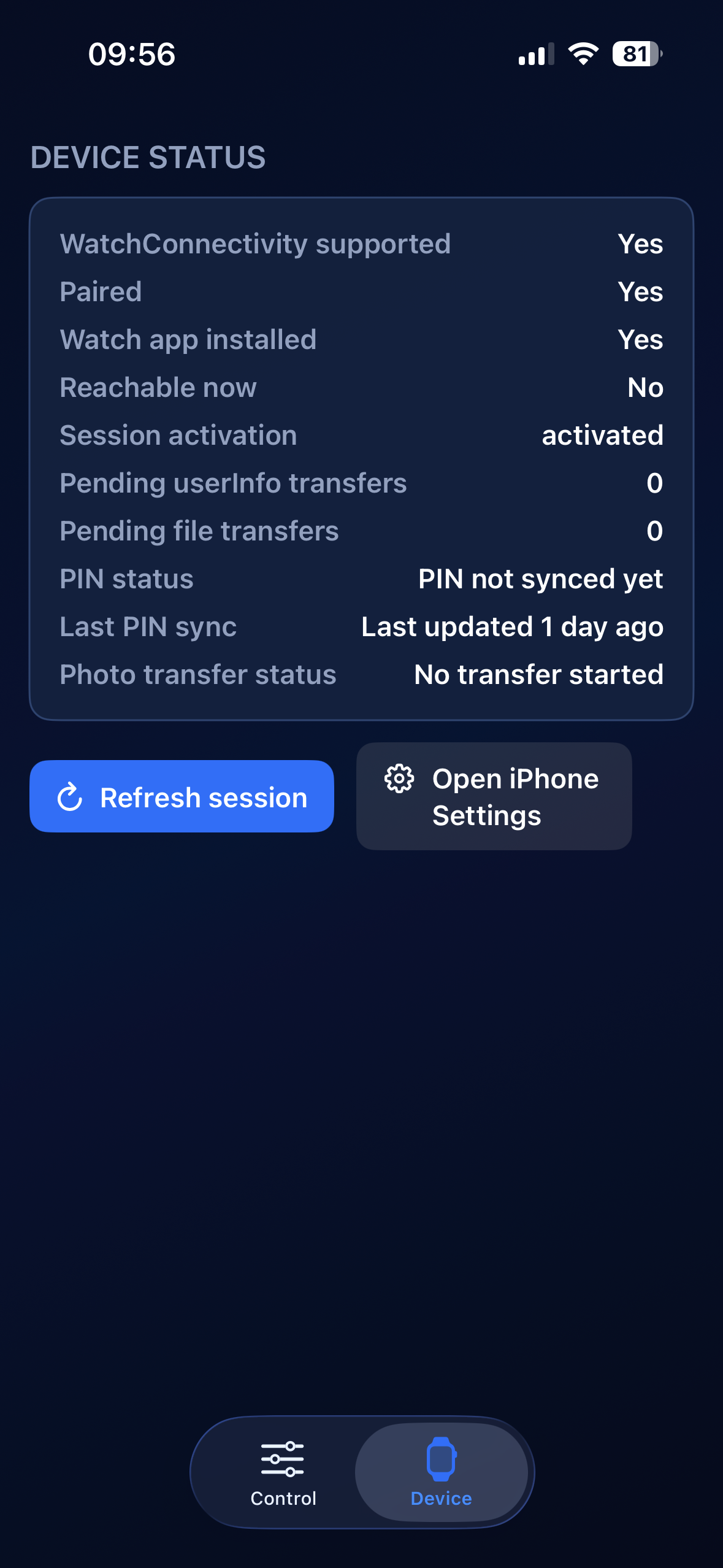
The app tracks watch connectivity, aligns the PIN code, manages queued photos, and clearly shows what is already available.
Midnight-blue backgrounds, dense cards, and electric accents: the site reuses the same visual direction as the iPhone app and its watchOS experience.
iPhone Import
LibraryFrom the iPhone, you build the local library first, then trigger the transfer to the watch when everything is ready.
Security
4-digit PINThe code is defined in the mobile app, synced to the watch, and required before opening the private gallery.
Apple Watch
Private galleryOnce unlocked, the watchOS experience shows synced thumbnails in a simple, fast interface focused on viewing.
Sync Status
Sync intelligencePending, sending, queued, and delivered statuses structure the experience so transfers never feel opaque.
Built-in Help
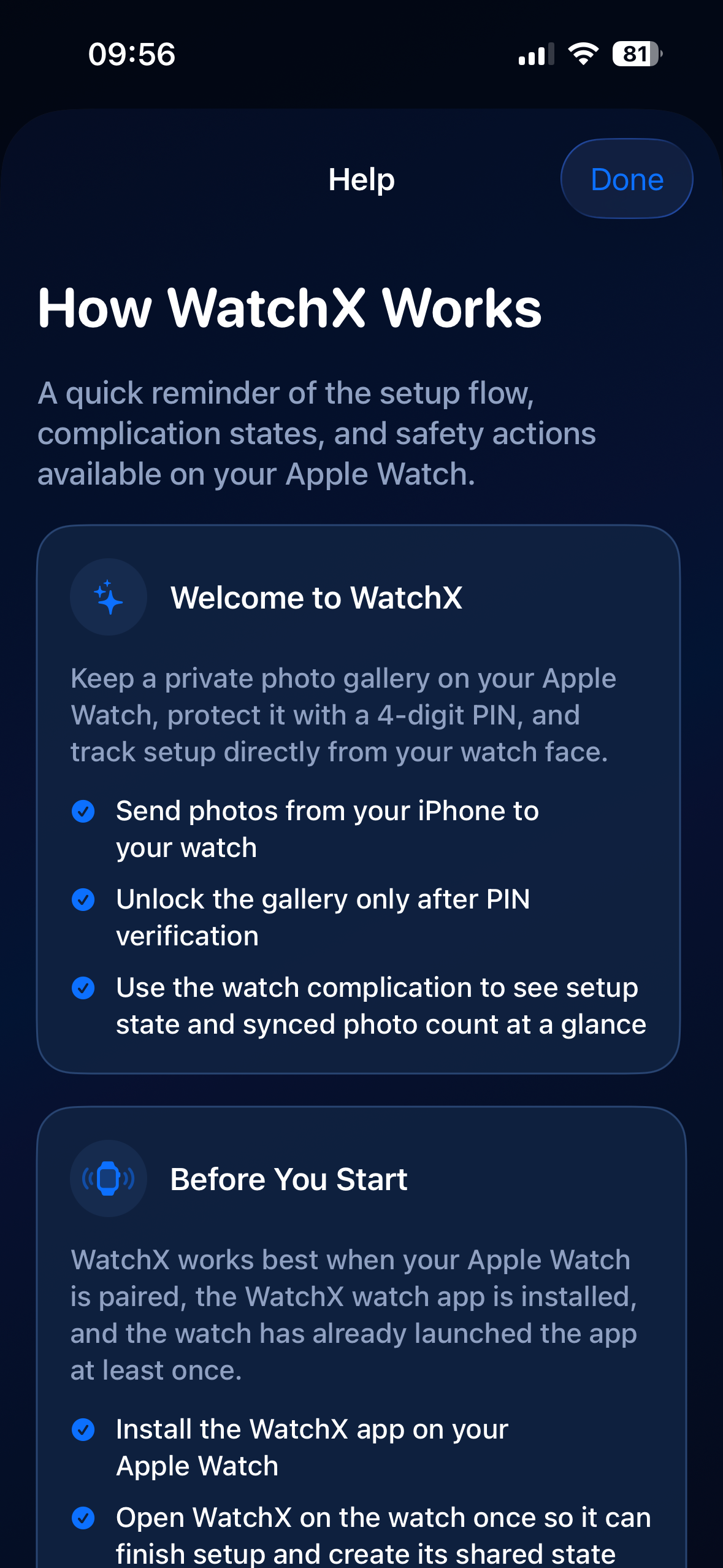
OnboardingThis screen summarizes the key setup steps, watch prerequisites, and the most useful actions for getting started properly.
Product Flow
The product follows a simple path: secure, sync, browse. Every section reinforces that same rhythm from iPhone setup to Apple Watch access.
The iPhone initializes watch security with a 4-digit code before anything can be viewed.
You pick the images to keep on the watch, then WatchX drives the transfer and queueing when needed.
The private gallery opens only after PIN verification, inside a compact interface designed for the wrist.
WatchX for iPhone and Apple Watch
WatchX combines iPhone upload, a local Apple Watch gallery, and PIN-based protection into a product experience that stays clear, fast, and secure.